
Pool cleaning mistakes causing green water usually stem from low free chlorine, high pH or cyanuric acid, poor circulation, clogged filters, or metals; diagnose with chlorine/pH/CYA tests, brush and vacuum, shock to recommended levels, clean/backwash filters and run the pump continuously until clear, and call a pro if results don’t improve within 48 hours.
pool cleaning mistakes causing green water are more common than most owners expect — and they can ruin a weekend. Want quick checks, practical fixes, and when it’s smarter to call pros like Jolly Family? Keep reading to save time and avoid repeat blooms.
Why pools turn green: common mistakes and quick checks
Green water is usually algae growing fast. Most cases come from avoidable errors. A few quick checks often show the cause and a simple fix.
Common mistakes that cause green water
- Low free chlorine — levels below 1–3 ppm let algae bloom.
- Poor filtration or short pump runtime — debris and algae stay suspended.
- Incorrect pH — if pH is above 7.6 chlorine works less effectively; target 7.2–7.6.
- Clogged skimmer or filter — reduced flow stops circulation and cleaning.
- Skipping regular water tests — problems grow unnoticed.
- Heavy rain, leaves, or swimmers introducing organics — feed algae quickly.
- High cyanuric acid (stabilizer) or metals — can hide low chlorine or cause staining.
Quick checks to diagnose
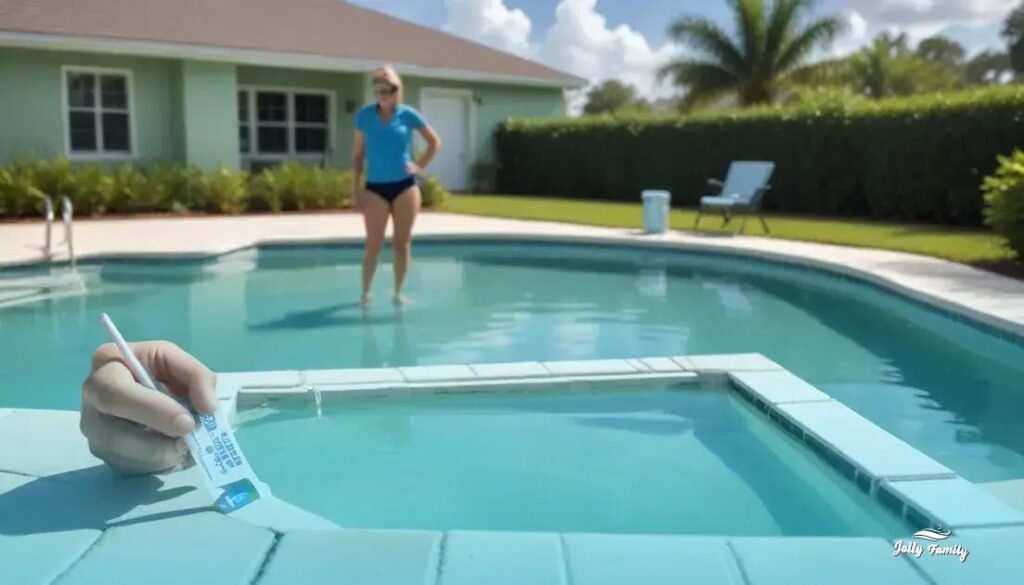
- Use test strips or a liquid kit to read free chlorine, pH, and cyanuric acid immediately.
- Inspect the skimmer and pump basket — are they full of leaves or hair?
- Look at the filter pressure gauge. A steady rise above normal suggests cleaning or backwash is needed.
- Turn on returns and walk the pool edge. Weak jets mean poor circulation.
- Check water clarity: suspended green suggests planktonic algae; slimy green patches on walls suggest attached algae.
- If you suspect metals, collect a small sample and mention it when seeking help.
Immediate short fixes to try
- Brush walls and floor to break algae clumps. Use a stiff brush for vinyl or plaster as appropriate.
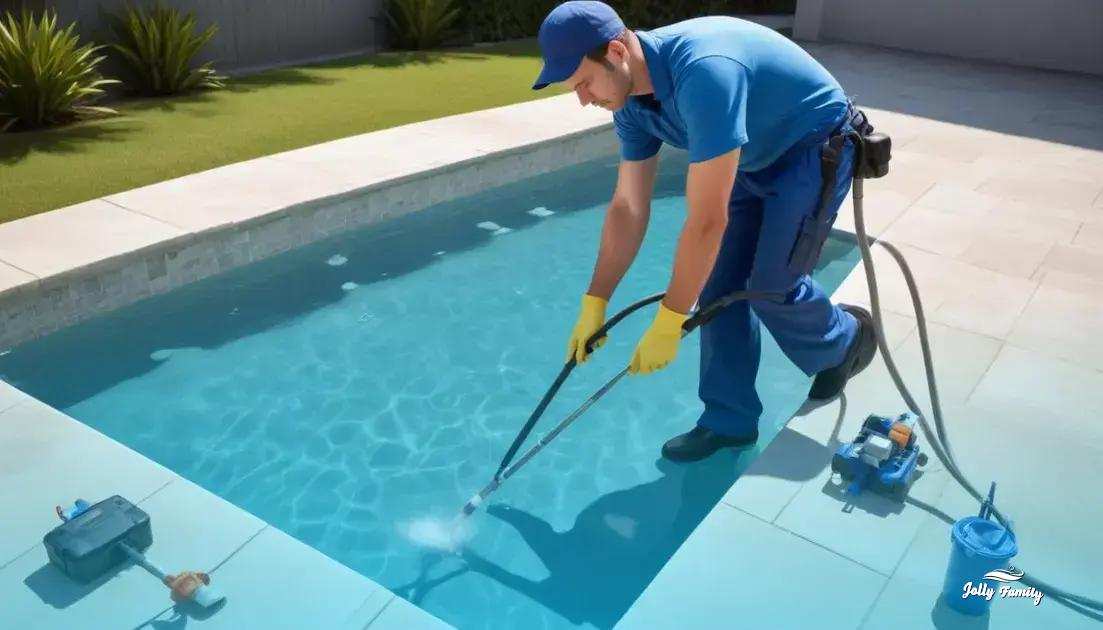
- Vacuum to waste or use a pool vacuum after brushing to remove debris.
- Adjust pH into the ideal range (7.2–7.6) so chlorine can work.
- Shock the pool following product instructions — aim to raise free chlorine to the level recommended for algae control.
- Backwash or clean the filter and restart the pump for 8–12 hours or until water clears.
- Use an algaecide only after chlorine shock if algae persist; follow label directions carefully.
When a quick fix may not be enough
If the water stays cloudy or green after 48 hours of shock, filtration, and brushing, you may face a severe bloom, filter problems, or metal contamination. At that point, a professional inspection can save time and prevent repeated treatments.
Diagnosing the problem: tests, visual clues and what they mean
Start with simple tests that tell the story: free chlorine, pH, and cyanuric acid. These three readings often show whether algae, circulation, or stabilizer is the main issue.
Which tests to run first
- Free chlorine: use test strips or a liquid kit. Target 1–3 ppm for routine pools; higher if treating algae.
- pH: check and keep between 7.2 and 7.6. When pH is high, chlorine becomes less effective.
- Cyanuric acid (stabilizer): levels above 50 ppm can reduce chlorine action.
- Optional but useful: total alkalinity, calcium hardness, and a metal test if staining or unusual colors appear.
Visual clues and what they mean
- Uniform cloudy green water: usually planktonic algae and low free chlorine.
- Light green or yellow-green on steps and corners: often early-stage or mustard algae.
- Dark green patches or slimy mats on walls: attached algae needing brushing.
- Blue-green tint with staining on surfaces: possible dissolved copper or metals.
- Clear water with green tint only near the bottom: poor circulation or dead zones.
How to interpret common readings
If free chlorine is low and pH is high, the algae likely spread because chlorine could not work. If free chlorine reads okay but water is green, check cyanuric acid and metals. Very high CYA can hide low effective chlorine; metals can color water even when algae are controlled.
Quick diagnostic steps
- Test free chlorine and pH immediately. Record the numbers.
- Check the skimmer and pump basket for debris, and note filter pressure.
- Brush any visible growth and see if particles float free; this suggests planktonic algae.
- If staining or blue-green tint appears, collect a small sample and test for copper or iron before shocking.
- After initial shock and brushing, retest in 6–12 hours. If free chlorine stays low, focus on filtration or high CYA.
When to get help
If readings don’t improve after proper shock, brushing, and filtration, you may have metal contamination, a failing filter, or a heavy bloom needing professional treatment. Share your test results with the pro to speed diagnosis.
Chemical corrections: balancing chlorine, shock and algaecide safely
Begin by testing free chlorine, pH, and cyanuric acid. Accurate readings guide every chemical choice and help avoid repeated treatments.
understanding chlorine and shock
Free chlorine kills algae; combined chlorine is used chlorine that no longer works well. Shocking raises free chlorine high enough to clear algae and break down combined chlorine. Always follow the product label and base doses on your pool volume.
safe shock procedure
- Wear gloves and goggles. Keep people and pets away from the pool while treating.
- Brush the walls and floor to free algae from surfaces.
- Adjust pH to the ideal range (7.2–7.6) so chlorine works efficiently.
- Add shock in the evening or when the sun is low to reduce UV loss. Pour granules or liquid around the pool perimeter with the pump running.
- Run the filter continuously for at least 8–24 hours after shocking. Backwash or clean the filter as needed.
- Retest free chlorine after 6–12 hours. Repeat shock if algae persist, following label limits.
- Do not mix different chlorine products together. If a product requires pre-dissolving, follow its instructions exactly.
using algaecide the right way
Algaecide is a helpful follow-up but not a substitute for proper chlorine levels. Use a suitable algaecide after the pool is shocked and chlorine has dropped to safe handling range. Avoid copper-based algaecides if metals are suspected, since copper can cause staining. Always follow dosage and wait times on the label.
pH, stabilizer and metal considerations
- Keep pH between 7.2 and 7.6. High pH reduces chlorine power.
- Cyanuric acid (stabilizer) protects chlorine from sunlight, but levels above 50 ppm can hamper algae control. Dilute water if CYA is too high.
- If water shows blue-green staining or odd tints, test for metals before heavy chlorine use. Metal removal may be needed to avoid discoloration.
post-treatment care and safety reminders
- Vacuum to waste or use a flocculator to remove dead algae particles after treatment.
- Clean or backwash filters to restore flow; clogged filters slow clearing.
- Wait at least 24 hours and confirm free chlorine returns to the safe range (1–3 ppm) before allowing swimming, or follow label guidance.
- Store chemicals in a dry, locked area. Never mix different chemicals, and always add chemicals to water rather than water to chemicals.
Filtration and equipment: cleaning, backwash and pump runtime checklist
- Check pump runtime and settings. For heavy algae, run the pump 24 hours until water clears; after that, keep it 8–12 hours daily for routine use.
- Empty skimmer and pump baskets. A full basket restricts flow and lowers filter efficiency.
- Read the filter pressure gauge. Backwash or clean when pressure is 8–10 psi above the clean baseline.
- Inspect returns and look for weak jets. Weak flow means poor circulation or a clogged line.
- Note any air in the system or gurgling sounds — these suggest a suction leak that reduces pump performance.
filter-specific cleaning
Sand filters: backwash until water runs clear, then set the valve to rinse for 30–60 seconds. Replace sand every 5–7 years or when cleaning no longer restores flow.
DE filters: backwash, then add the correct amount of diatomaceous earth after the pump is off and filter is set to the proper position. Periodically open and deep-clean the grids if clogs persist.
Cartridge filters: remove cartridges, hose them thoroughly, and soak in a cartridge cleaner if oils or scale are present. Replace cartridges when pleats are torn or cleaning fails to restore flow.
pump and skimmer maintenance
- Turn off power at the breaker before opening pump housing. Check the O-ring on the lid and lubricate if dry.
- Clear debris from the pump impeller and strainer basket to restore flow.
- Check the shaft seal for leaks. Small leaks may need seal replacement to avoid motor damage.
backwash and pressure guide
Record the normal (clean) pressure after a fresh clean. When pressure rises 8–10 psi above that value, perform backwash or cartridge cleaning. If pressure stays high after cleaning, inspect laterals, grids, or cartridge condition — blockages or broken parts reduce filtration.
runtime and circulation tips
Run the pump longer after shocks or heavy debris. Aim to circulate the full pool volume at least once per day in normal use. For algae control, continuous circulation until clarity returns helps the filter trap dead algae.
when to call a professional
If pressure remains elevated after proper cleaning, if you find broken filter parts, or if the pump motor overheats, call a technician. Professionals can test for hidden flow issues, replace media, and inspect valves and plumbing.
- Weekly: clean skimmer baskets and check pressure.
- Monthly: inspect filter media and pump seal.
- Seasonal: service or replace sand, DE grids, or cartridges as needed.
When to call Jolly Family: reliable help and routine maintenance plans
Call Jolly Family when simple steps don’t clear the water or when equipment shows signs of stress. They can diagnose hidden causes and stop repeat problems.
clear signs you need a pro
- Water stays green after 48 hours of shock, brushing, and filtration.
- Filter pressure stays high even after cleaning.
- Pump overheats, makes strange noises, or loses prime.
- Visible metal staining or unusual color tints.
- Repeated algae blooms despite routine care.
typical services provided
- Full chemical diagnostics with accurate test kits and clear explanations.
- Algae treatment: tailored shock, brushing, and follow-up algaecide when needed.
- Metal testing and removal to prevent staining.
- Filter deep clean, backwash service, and media replacement.
- Pump and plumbing repair or parts replacement.
- Seasonal startup and winterization.
what to have ready for the visit
- Recent test results or the test strips you used.
- Photos of water color, the filter gauge, and the pump area.
- Notes on when the problem started and any recent chemical additions.
- Clear access to equipment and a safe space for technicians to work.
how maintenance plans help
Routine plans cut risk and cost. Regular visits keep chemicals balanced, filters clean, and problems small. Plans often include weekly or biweekly service, priority scheduling, and recorded test logs.
- Preventive care reduces heavy treatments and saves money.
- Priority response shortens downtime after a problem starts.
- Transparent pricing and service records make budgeting easier.
Ask Jolly Family for a written estimate, a clear scope of work, and any satisfaction guarantees before scheduling service.
Keep your pool clear and worry-free
Start with regular testing and simple care. Test free chlorine and pH weekly. Keep pH between 7.2–7.6 and free chlorine at 1–3 ppm. Clean skimmer baskets and run the pump daily to keep water moving.
If the water turns green, act fast: brush surfaces, shock the pool per the product label, and run the filter until the water clears. Backwash or clean the filter and use algaecide only after chlorine drops to a safe level.
If green water persists after 48 hours of correct treatment or if equipment shows faults, call a professional. Small, regular steps prevent big problems and keep your pool ready for use.
FAQ – Pool care and green water solutions
What commonly causes my pool to turn green?
Most often it’s algae from low free chlorine, poor circulation, clogged filters, or high cyanuric acid after heavy debris or rain.
Which tests should I run first when water turns green?
Test free chlorine, pH, and cyanuric acid immediately. These readings tell whether algae, stabilizer, or circulation is the main problem.
How and when should I shock my pool safely?
Brush first, adjust pH to 7.2–7.6, then add shock in the evening with the pump running. Wear gloves and follow the product label.
Can I use algaecide instead of shocking?
No. Algaecide is a follow-up tool. Shock is needed to kill algae; use algaecide only after chlorine drops to a safe level and label directions are followed.
How often should I clean the filter and run the pump?
Empty skimmer baskets weekly, run the pump 8–12 hours daily for normal use, longer after shocks. Backwash or clean the filter when pressure rises 8–10 psi above baseline.
When should I call a professional like Jolly Family?
Call a pro if green water persists after 48 hours of correct treatment, if filter pressure stays high, the pump overheats, or if you see metal staining.