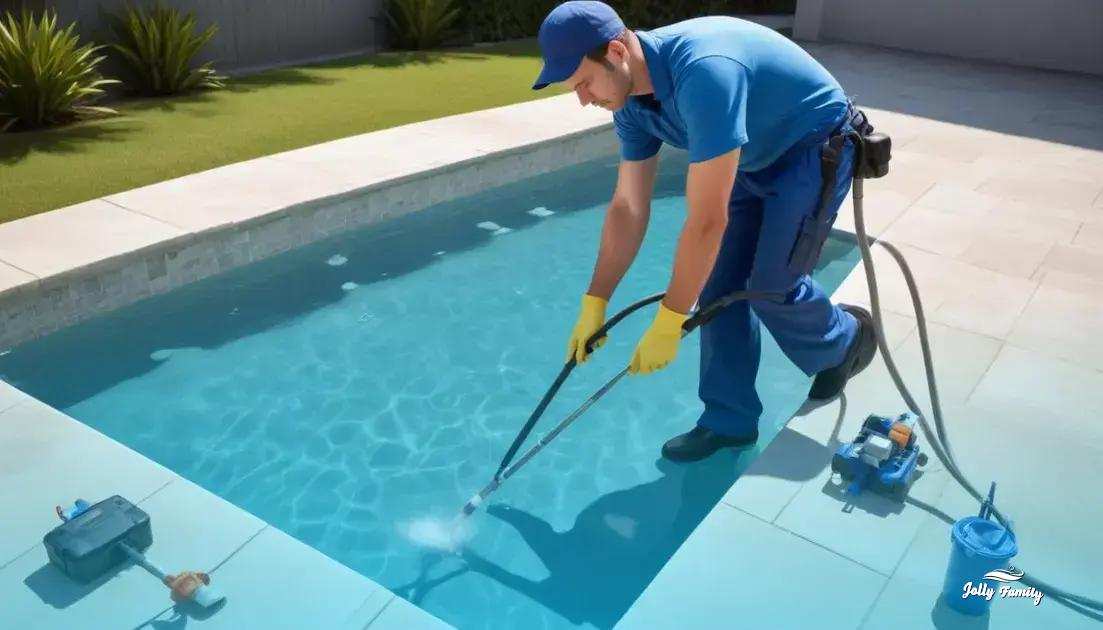

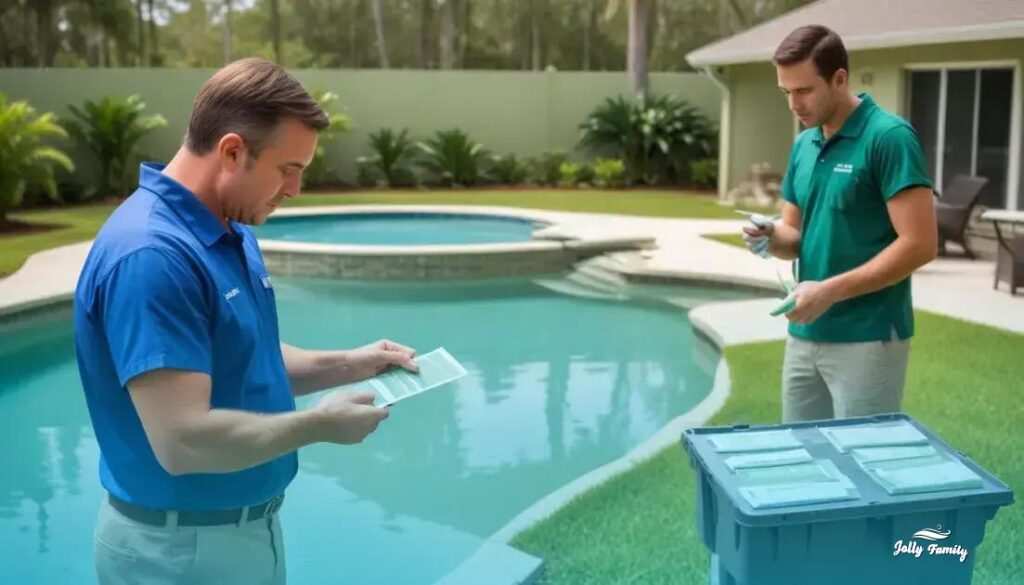
pool water turning green even after cleaning usually means algae survives due to low free chlorine, poor circulation, clogged filters, or high cyanuric acid; test free chlorine, pH, and CYA, brush and shock the pool, run filtration continuously, clean or backwash filters, and call a technician if green persists after 24–48 hours.
pool water turning green even after cleaning happens often in warm places like Kissimmee — algae can reappear within days. Think of your pool like a small aquarium: slow circulation lets blooms take over. Try a quick chlorine and pH test, brush and backwash the filter; if green persists, Jolly Family can inspect and restore clear water.
Common causes: algae types, circulation problems and chemical imbalance
If your pool keeps turning green, check three common causes: algae, poor circulation, and chemical imbalance. Each one shows different signs and needs a different response.
Algae types and signs
Green algae is the most common. It makes water look cloudy or light green and floats in clumps. Mustard (yellow) algae sticks to surfaces and can feel gritty. Black algae forms dark spots and clings tightly to plaster or grout.
- Signs: green tint, slippery walls, dark spots, floating clumps.
- Quick check: brush a small area—if color returns quickly, algae is likely.
Circulation problems
Poor water flow creates “dead zones” where algae grow fast. Clogged skimmers, dirty filters, blocked returns, or a pump that’s off will reduce turnover. Even a working pump can fail if the filter is clogged.
- Signs: still areas, cloudy water, debris near skimmer.
- Quick check: watch return jets—weak or no jets mean poor circulation. Check and empty skimmer baskets and the pump strainer.
Chemical imbalance
Low free chlorine, high combined chlorine, pH out of range, or low alkalinity lets algae thrive. Chlorine under about 1 ppm often can’t control blooms; high pH reduces chlorine effectiveness.
- Signs: low sanitizer reading, cloudy water, strong “chlorine” smell from chloramines.
- Quick check: use test strips or a kit to read free chlorine, pH, and alkalinity. If readings are off, adjust chemicals step by step.
Immediate steps you can take: test the water, brush all surfaces, run the filter continuously, and clean skimmer and pump baskets. Retest every 6–12 hours and focus on the specific cause you identified.
Diagnosing your pool: simple at-home tests to identify the issue
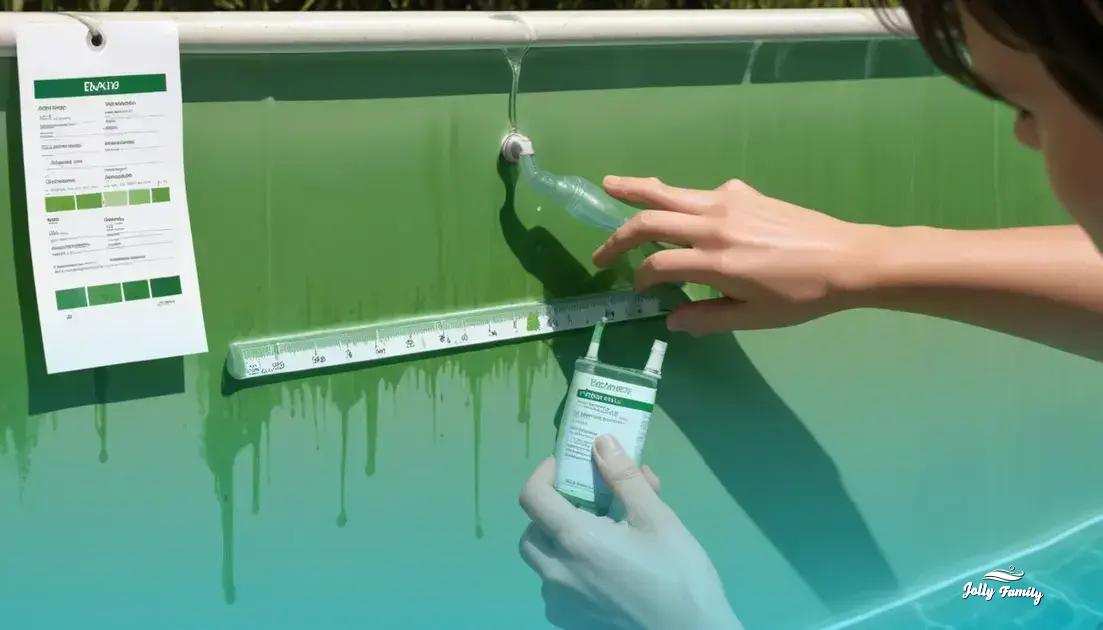
Start by taking a few simple at-home checks to narrow the problem quickly. Use short tests you can repeat every few hours until readings stabilize.
Collect a good sample
Fill a clean container from about elbow depth, away from skimmers and returns. This gives a representative water sample for testing.
Test strip or liquid kit checks
Use a test strip or a liquid titration kit to measure free chlorine, pH, and total alkalinity. Follow the kit directions exactly and compare results in natural light.
- Free chlorine: under 1 ppm often means algae can grow.
- pH: ideal range is 7.2–7.6; high pH reduces chlorine effectiveness.
- Total alkalinity: aim for 80–120 ppm to keep pH stable.
Check cyanuric acid and combined chlorine
If chlorine reads low despite adding sanitizer, test for cyanuric acid (CYA) and combined chlorine. High CYA locks up free chlorine; high combined chlorine (chloramines) shows sanitizer is spent and you may need a shock treatment.
Visual and circulation checks
Look for slippery walls, floating clumps, or dark spots. Watch the return jets—weak flow or still corners point to poor circulation. Inspect skimmer baskets, pump strainer, and filter pressure gauge.
- Brush a small patch; if green returns quickly, algae are active.
- If return jets are weak, clean skimmer baskets and check the pump lid and impeller for debris.
Filter and clarity tests
Backwash sand or DE filters or clean cartridge filters if flow is low. A cloudy result plus low flow often means the filter is clogged and needs cleaning or replacement.
Next steps based on results
If tests show low free chlorine: raise sanitizer and run the pump continuously. If pH is high: add a pH decreaser to restore chlorine effectiveness. If circulation is poor: clear blockages and check pump operation before adding more chemicals.
Retest every 6–12 hours after corrective steps and keep notes of readings. These simple at-home checks help you identify whether the issue is algae, chemistry, or equipment so you can act faster.
Step-by-step fixes: shocking, brushing and filter maintenance
Begin with a water test and a quick safety check: wear gloves, keep people away, and know your pool volume for dosing.
Shock the pool
Use a quality pool shock (granular or liquid) and follow label directions. For moderate green algae, aim to raise free chlorine to around 10 ppm; for heavy blooms you may need higher levels or repeat treatments. Add shock at dusk to avoid UV loss, dissolve granules if required, and distribute evenly around the pool.
- Calculate dose by pool volume and product instructions.
- Run the pump continuously for at least 24 hours after shocking.
- Do not swim until chlorine returns to safe levels.
Brush thoroughly
Brush all surfaces to break algae colonies and free particles into the water. Use a brush suited to your surface: nylon for vinyl, stainless for concrete. Brush before and after shocking to expose hidden algae and keep it suspended so the sanitizer can act.
- Focus on corners, steps, and shaded areas where algae cling.
- Vacuum to waste if heavy debris is present to avoid loading the filter.
Filter maintenance
Clean and service the filter to remove killed algae. Backwash sand or DE filters, or remove and hose off cartridge elements. Check and empty skimmer and pump baskets. Replace media or cartridges if they are worn or clogged.
- Backwash when filter pressure rises about 8–10 psi above clean pressure.
- For cartridges, soak and rinse, then inspect for tears and replace if needed.
- After cleaning, run the filter nonstop until the water clears.
Retest and follow-up
Test free chlorine, pH, and alkalinity every 6–12 hours. If green returns, repeat shocking and brushing. Once clear, stabilize chlorine and set a routine: maintain proper sanitizer levels, brush weekly, and run the pump long enough to turn over the pool water daily.
Preventive routine: balancing chemicals, circulation and seasonal checks
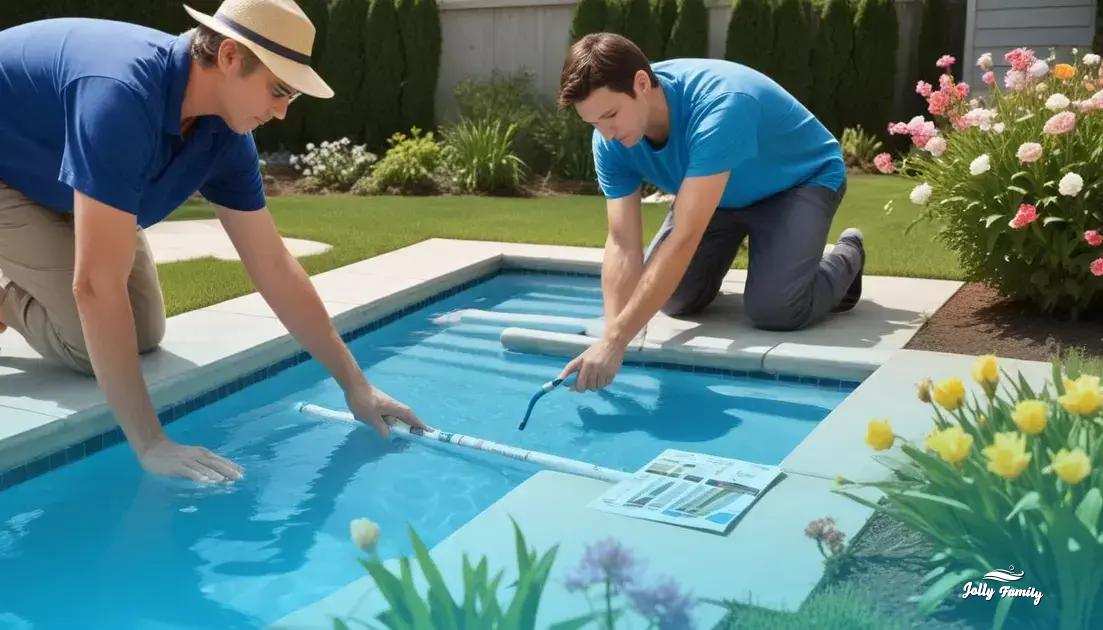
A steady preventive routine keeps algae away and makes problems easier to fix. Test water regularly, run the pump enough to move all the water, and keep filters clean.
Balancing chemicals
Test for free chlorine, pH, total alkalinity, and cyanuric acid. Aim for free chlorine 1–3 ppm, pH 7.2–7.6, and alkalinity 80–120 ppm. Adjust chemicals slowly and retest after a few hours.
- If free chlorine is low: add chlorine and consider a shock if algae were present.
- If pH is high: add pH decreaser to restore chlorine effectiveness.
- If alkalinity is low: add an alkalinity increaser to stabilize pH.
- If cyanuric acid is high: dilute with fresh water or plan partial drain and refill.
Circulation and filtration
Good circulation prevents dead zones where algae grow. Aim to turn over the entire pool volume at least once per day. If you don’t know your pump flow, run it long enough so water feels noticeably moving at all returns.
- Clean skimmer and pump baskets weekly.
- Backwash sand or DE filters when pressure is 8–10 psi over clean pressure.
- Rinse or replace cartridge filters when dirty or damaged.
- Brush walls and steps weekly to break early growth before it spreads.
Seasonal checks
Adjust your routine with the seasons. In spring: inspect equipment, clean or replace filter media, and shock the pool at opening. In summer: test more often and keep sanitizer steady during hot spells. In fall: remove leaves, check the cover, and reduce debris build-up. In cold climates: winterize lines and use a cover to limit algae growth.
- Spring opening: clean filters, inspect pump seal, and bring chemistry into range before heavy use.
- Peak summer: test 2–3 times weekly and run the pump longer on hot days.
- Pre-winter: lower water level if needed, add winter treatments if recommended, and secure the cover.
Keep a simple log with dates and readings. A short checklist—test, brush, run pump, clean filter—done weekly prevents most green-water problems and saves time and chemicals later.
Equipment checklist: inspecting filters, pumps and cleaners for failures
Regular equipment checks catch small problems before they turn a pool green. Inspect filters, pumps, hoses, and cleaners each week and after storms.
Filters: what to look for
Check the pressure gauge and look for steady, normal readings. A rise of about 8–10 psi over clean pressure means backwash or clean. For cartridge filters, remove and hose off cartridges; replace if pleats are torn or permanently stained.
- Sand/DE filters: backwash when pressure is high and add DE powder per instructions.
- Cartridge filters: rinse, soak if oily, and replace when damaged.
- Signs of failure: constant high pressure, cloudy water after cleaning, or visible tears in media.
Pumps and plumbing
Pumps must prime and run quietly. Listen for grinding or a high-pitched whine. Check the pump strainer basket and clear leaves and debris. Inspect the pump lid o-ring for cracks and lubricate or replace as needed.
- Signs of problems: air in the pump basket, low return flow, leaking at seals, or the motor not starting.
- Quick checks: ensure valves are open, remove trapped air by loosening the pump lid briefly, and confirm the impeller is not clogged.
Hoses, skimmers and returns
Look for brittle or cracked hoses, loose clamps, and blocked skimmer throats. Returns should show steady flow; weak jets point to blocked lines or a failing pump.
- Replace cracked hoses and tighten clamps to stop air leaks.
- Clear skimmer baskets and hair/debris pots regularly to maintain flow.
Automatic cleaners and accessories
Inspect cleaner wheels, bags, and hoses. A cleaner that drags or won’t climb walls may have worn treads or leaks. Empty collection bags and check hose cuffs for splits.
- Signs of failure: cleaner stalls, thins out debris, or moves poorly.
- Fixes: replace worn wheels or cuffs, reseal hose connections, and test movement before leaving the pool.
When to repair or replace
Replace parts that show wear, persistent leaks, or repeated failures. Electric or motor issues, burnt smells, or frequent tripping of breakers mean call a technician. Keep spare o-rings, a basic wrench, and a clean cartridge on hand for quick fixes.
Create a simple checklist: pressure reading, pump noise, basket clean, hose condition, cleaner function. Note dates and readings to spot trends and prevent algae problems.
When to call Jolly Family: professional service and local Kissimmee support
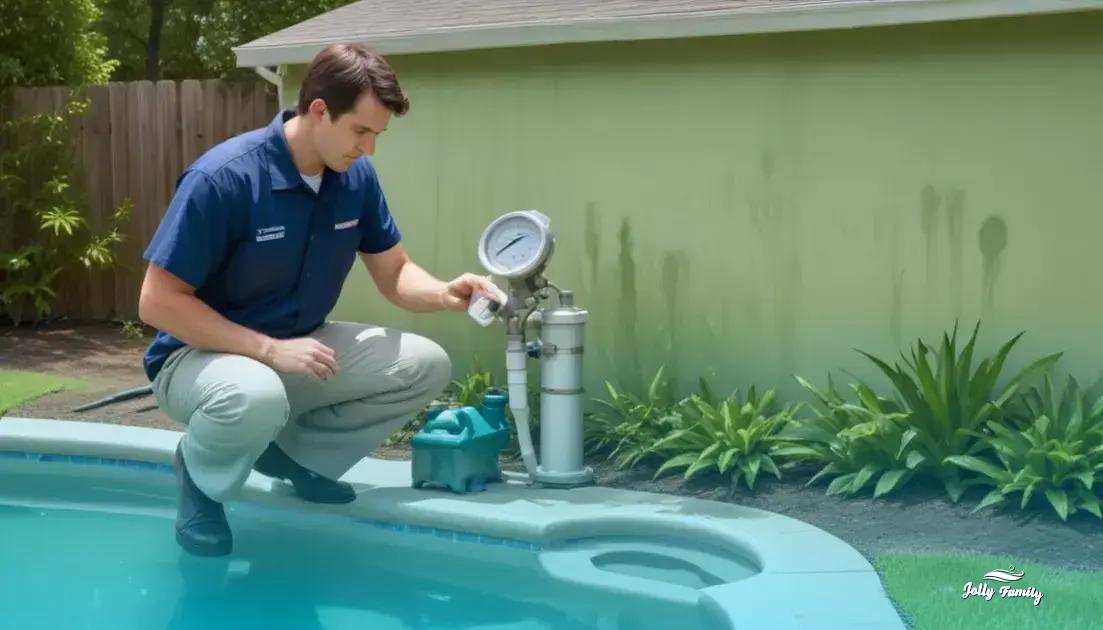
If green water stays after you cleaned and shocked the pool, it may be time to call a pro. Try home fixes first, but contact a technician if the problem lasts 24–48 hours despite correct chlorine and good filtration.
Signs you should call a professional
- Green water returns after repeated shocking and brushing.
- Black algae spots that won’t brush off.
- Filter or pump shows low flow, strange noises, or won’t start.
- Persistent cloudy water or strong chloramine smell after treatment.
- Visible leaks, electrical sparks, or motor tripping breakers.
What a technician will check and do
A pro will run full diagnostics: detailed water testing, pump and filter inspection, and circulation checks. Expect tasks like filter cleaning or rebuild, impeller inspection, and targeted shock or algae treatments. They can also drain and refill if cyanuric acid is too high or recommend part replacement.
What to have ready before the visit
- Recent test results or photos of test strips.
- Notes on products and doses you used.
- Photos of equipment area, pump model, and filter type.
- Access to the pool area and any maintenance history.
When it’s urgent
Call immediately for electrical faults, large leaks, or if people have been swimming in very cloudy or chemically unstable water. These issues can be hazardous and need same-day attention.
In warm climates like Kissimmee, algae can spread fast. A local service can usually respond faster and advise on seasonal prevention. Ask about follow-up checks and a simple maintenance plan to stop green water from coming back.
Final steps to stop green pool water
Test the water, brush all surfaces, shock when needed, and run the pump until chemistry and clarity are stable. Clean or backwash filters and empty skimmer and pump baskets to improve flow.
If green water stays after 24–48 hours or you spot strange pump noises, leaks, or electrical issues, call a professional. Trained technicians can diagnose equipment faults and perform targeted treatments safely.
Keep a simple weekly routine: test, brush, run the pump long enough to turn over the pool, and check the filter pressure. Record readings and actions so you can track trends and catch problems early.
Consistent care and quick action stop most algae before it spreads, saving time and money while keeping your pool clear and ready to use.
FAQ – pool water turning green even after cleaning
Why does my pool turn green even after I clean it?
Most often algae returns because of low free chlorine, poor circulation, or a clogged filter. Test chemistry, brush surfaces, and check flow to narrow the cause.
How long after shocking will the water clear?
You should see improvement in 24–48 hours if you run the pump continuously and brush the pool. Severe blooms may need repeat shocks and additional filter cleaning.
Is it safe to swim after shocking the pool?
No. Wait until free chlorine drops into the safe range (generally 1–3 ppm) and the strong chemical smell is gone before swimming.
How often should I test water and run the pump to prevent green water?
Test weekly in normal conditions and 2–3 times weekly in hot weather. Run the pump long enough to turn over the pool at least once per day; increase run time during algae risk.
When should I clean or replace my filter?
Backwash sand or DE filters when pressure is 8–10 psi above clean pressure. Rinse cartridges regularly and replace if pleats are torn or permanently stained.
When should I call a professional for help?
Call a technician if green water persists after 24–48 hours of correct treatment, if you have black algae, major equipment failure, leaks, or electrical issues.